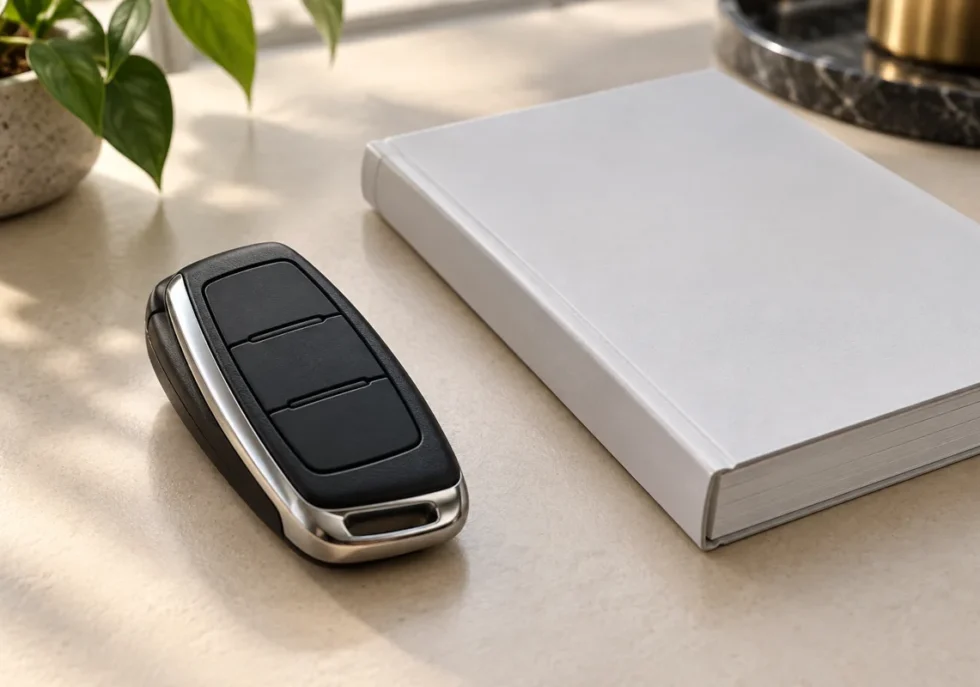
BMW smart key features depend on the vehicle, production date, equipment, market and compatible device. Start with your VIN-specific manual and enabled services. A feature shown on another BMW, or on a similar-looking key, may not be available on yours.
Identify the key and the vehicle first
| Key type | Main distinction | Compatibility check |
|---|---|---|
| Physical key fob | Remote locking and vehicle access, with additional functions where fitted. | Use the manual for its buttons, emergency access and supported remote functions. |
| BMW Digital Key | Supported phone or wearable access using the required close-contact method. | Check the exact car, device, software and market requirements. |
| BMW Digital Key Plus | Compatible ultra-wideband technology can support passive access. | Confirm both the vehicle and device support Plus; do not assume every Digital Key is Plus. |
| BMW Display Key | A screen-equipped physical key offered with particular vehicle functions. | Check the fitted options; the screen does not guarantee remote parking or engine start. |
| BMW Service Card | A card that can be activated for vehicle access during service or similar use. | Confirm the car supports it and understand activation, storage and deactivation. |
BMW’s Digital Key compatibility information covers model, device and market conditions. Use it with the vehicle’s manual and actual app options. A marketing name or model year alone cannot confirm every function.
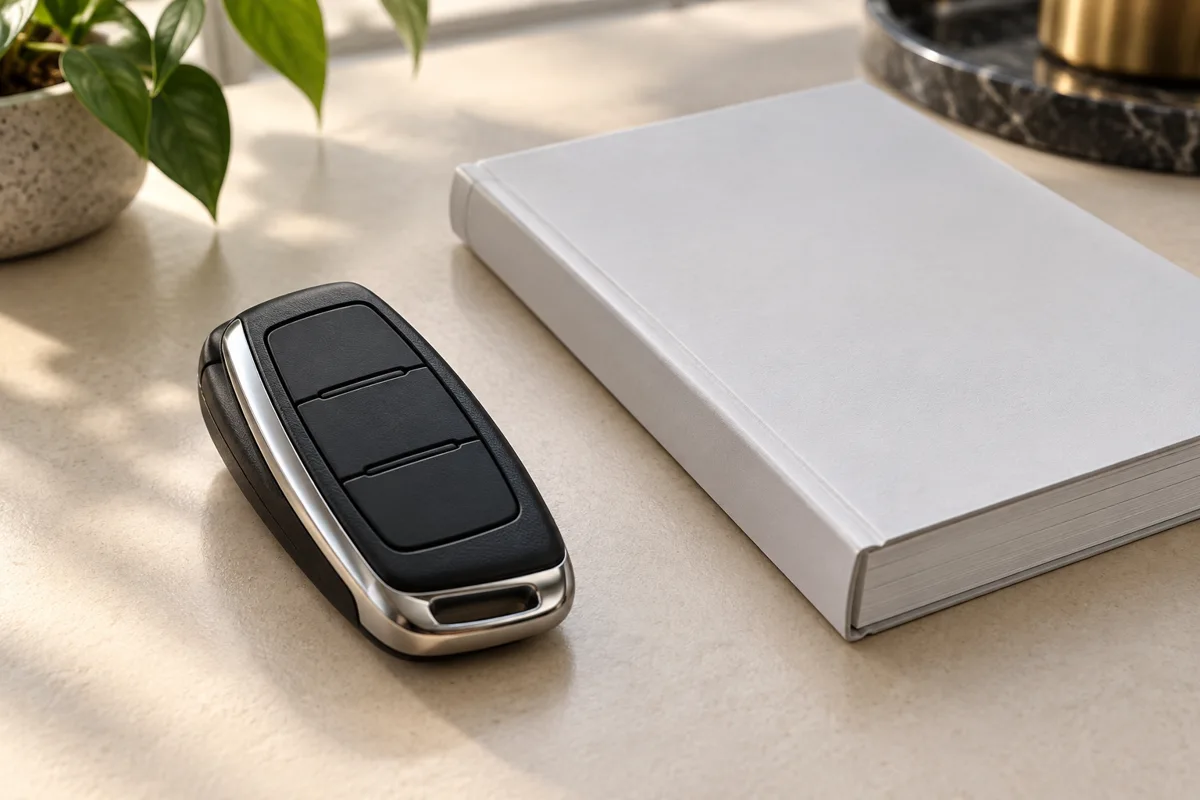
Use the fob without assuming hidden functions
Button layouts and supported operations differ. Your manual explains whether the fob controls a tailgate, convenience opening or another function. Do not apply a button sequence from a different generation and assume the same result.
Keep a usable backup access method and learn the manual’s procedure for a depleted fob battery. The mechanical key and emergency-start detection point, where provided, have model-specific locations. Do not assume a phone with an empty battery will always remain usable as a key.
Comfort Access and a physical remote are related but distinct features. Passive entry requires the relevant equipment and operating conditions. If entry becomes unreliable, compare the backup key and follow the manual’s battery and interference checks before buying a new fob.
Digital Key permissions need deliberate sharing
Digital Key and Digital Key Plus do not offer identical operation on every supported vehicle or device. Follow the pairing process shown for your car. Keep the phone’s operating system, wallet and BMW app compatible with the supported setup.
Review the permissions offered when sharing access. Limits available on one vehicle may not exist on another. After a loan or service visit, remove access that is no longer needed and check the car’s displayed key-management options.
A restricted key is not a blanket privacy guarantee. Access rights, driver profiles, destinations, connected apps and stored personal information are separate matters. Before handing over a car, review the actual profile and data settings rather than assuming key restrictions hide everything.
Treat an active Service Card as a key
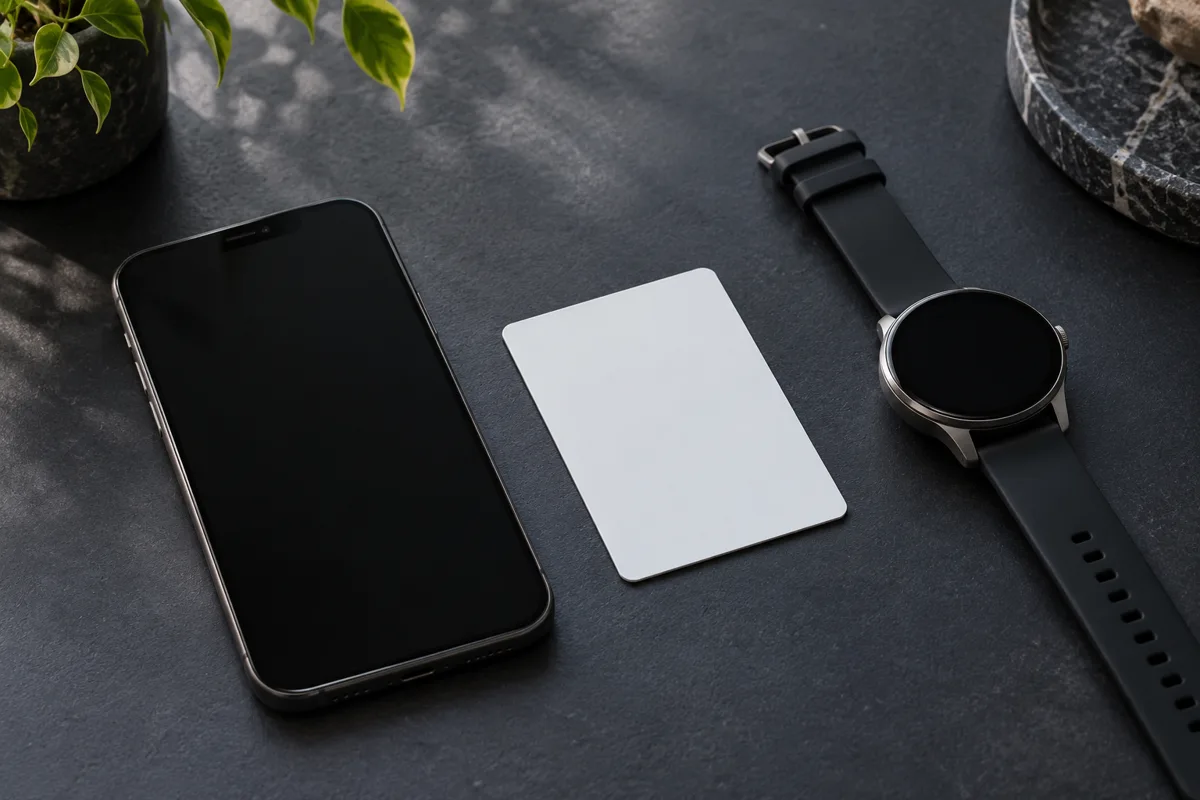
Where supported, an activated BMW Service Card acts as a fully functioning key. Keep it secure while active, hand it over deliberately and deactivate it when the temporary use ends. Do not leave an active card stored inside the car.
A Setup Card used to simplify Digital Key setup is a different item. Read the instructions for the card supplied with your vehicle instead of treating every BMW-branded card as a permanently active spare key.
Display Key functions depend on the options
A Display Key can show supported vehicle information, but its available controls depend on the car. For example, BMW’s 2017 UK 5 Series announcement described equipment-dependent Display Key functions. That historical UK specification does not establish availability on a GCC-market vehicle.
Auxiliary ventilation, preconditioning and remote engine start are different functions. A fan circulating air is not necessarily running the air conditioning or cooling a parked vehicle to a safe temperature. Read the exact function name and operating conditions in your manual.
Remote engine start needs safe surroundings
Never leave children, pets or anyone unable to exit safely unattended in a parked vehicle. Shade, remote ventilation or air conditioning does not make that safe. Do not use alarm settings as a reason to leave an occupant behind.
If remote engine start is supported and permitted for your vehicle and location, use it only in a safe outdoor setting. Never run an engine in an enclosed or partly enclosed space, including a garage, because exhaust can accumulate. Opening a garage door is not a safe workaround.
Confirm the vehicle is safely parked and follow every displayed prerequisite. Remote operation can stop, fail to begin or be unavailable. It must not be relied on to protect an unattended occupant or to guarantee a particular cabin temperature.
Watch windows and tailgate movement
Use remote opening or closing only when you can monitor the movement and keep people, animals and objects clear. Release or stop the command as the manual directs if an obstruction appears. Anti-trap protection is not permission to operate without supervision.
For supported contactless tailgate systems whose manual specifies the foot gesture, move one foot briefly forward under the rear bumper and immediately withdraw it. Do not substitute a sideways sweeping motion. The sensing area and prerequisites depend on the vehicle.
Stand securely, keep clear of the tailgate’s path and allow enough space above and behind the car. A trailer connection, equipment configuration or disabled setting can change availability. If it does not respond, check the manual rather than repeatedly reaching under the bumper.
Remote parking is a separate equipped function
A Display Key or smartphone alone does not establish that remote parking is fitted. The required parking package, supported control device and market availability need to match the vehicle. Follow the exact system’s instructions and remain responsible for supervision.
Before any remote maneuver, inspect the surroundings and keep the travel path clear. Do not test the function near people, pets, traffic or an uncertain obstacle. Stop the maneuver if visibility or control is inadequate; automation does not remove the need to monitor the car.
Separate a missing feature from a fault
A function that has never been fitted is different from a function that previously worked and has stopped. Before ordering a key, describe which situation applies. A new fob cannot create missing vehicle hardware, and a phone-setting problem does not necessarily require a replacement fob.
| Observation | Useful first check | What it does not prove |
|---|---|---|
| The spare fob works but the usual fob does not | Follow the manual’s battery and key checks for the affected fob. | It does not automatically identify the battery as the only possible cause. |
| Both physical keys have become unreliable | Record the conditions and request assessment of the vehicle and key system. | It does not justify buying two new keys without diagnosis. |
| The phone unlocks only when held close to the handle | Confirm the supported Digital Key version, device and access method. | Close-contact operation is not necessarily a fault. |
| A remote function has never appeared | Check the fitted equipment, market and enabled functions. | A missing menu is not proof of failed electronics. |
| One door or the tailgate behaves differently | Describe the affected opening and compare normal supported operation. | The key is not automatically responsible for a localized access problem. |
Keep the investigation separate from experimentation. Do not try unverified reset combinations, dismantle a sealed key or alter a security system just because an online video shows a similar vehicle. Preserve any messages and explain what changed immediately before the problem began.
Prepare for pairing without losing access
Before setting up or changing phone access, make sure you can still enter and use the vehicle through an existing supported method. Carry out setup while safely parked, with enough time to follow the instructions. Avoid making your first attempt when you urgently need to leave.
- Identify the phone model and operating-system version rather than saying only “iPhone” or “Android.”
- Check the vehicle’s actual compatibility and the pairing route offered for it.
- Keep the required existing physical key or supplied setup material available as instructed.
- Confirm that setup has finished before depending on the new access method.
- Keep the backup method accessible to an authorized person if your phone is unavailable.
If pairing fails, record the exact stage and message. An unavailable menu, a rejected pairing request and a key that was added but does not operate are different complaints. Ask support to investigate that specific stage instead of repeatedly deleting settings or ordering another device.
Review access after sharing or changing phones
Sharing access should have a clear purpose and end point. Before lending the vehicle, explain the supported access method and any restrictions that actually appear in your system. Do not promise limits that have not been checked on that car and device combination.
- Before handover: confirm who needs access and for how long. Review the available permissions and personal-profile settings.
- During use: make sure the recipient understands the backup plan and the safety limits of remote functions.
- After return: review active access and remove or deactivate permissions that are no longer needed through the supported process.
When replacing a phone or selling the car, follow the relevant account, wallet and vehicle instructions for removing access and personal data. Removing an app should not be treated as proof that every vehicle authorization has been removed. Confirm the result in the supported key-management system.
Plan for a lost key or unavailable phone
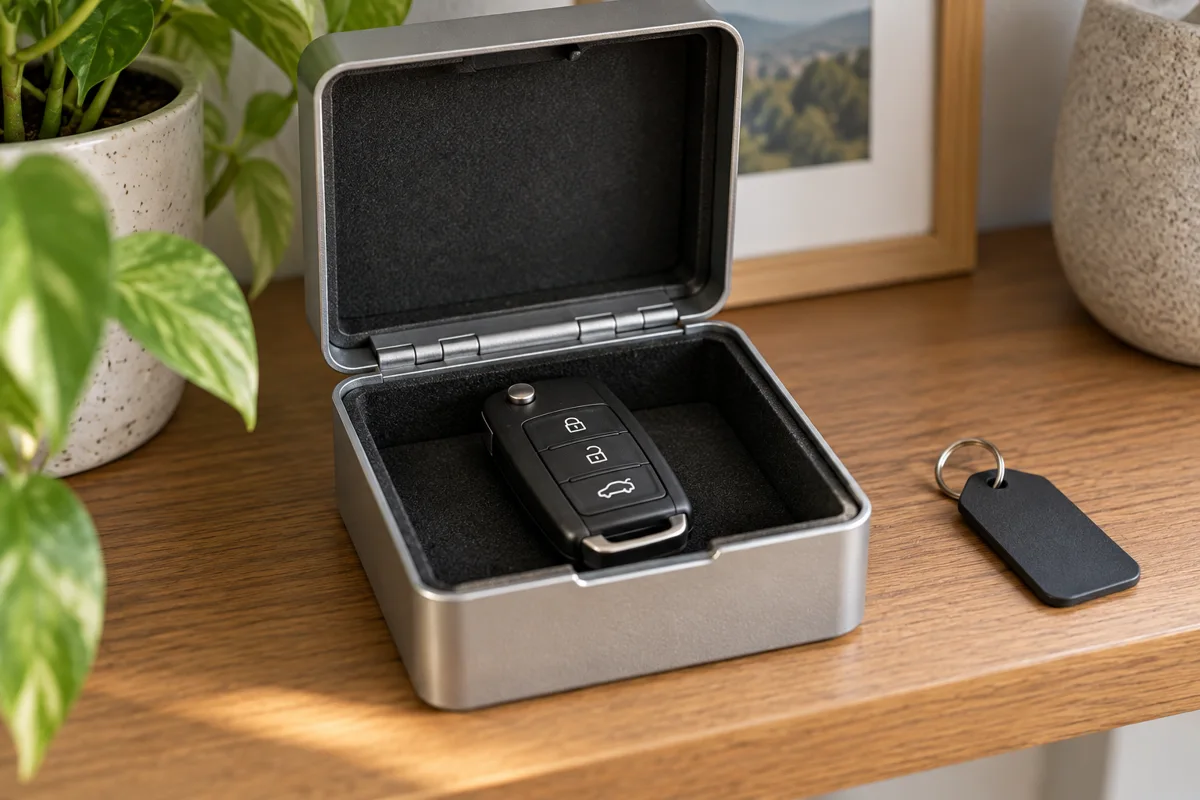
If a key or authorized device goes missing, focus first on securing access through the appropriate supported route. Tell the provider what was lost, whether another working key remains and whether the vehicle can still be accessed safely. Ask what evidence of identity and vehicle ownership is required before attending.
Keep sensitive key credentials, pairing codes and personal documents out of public messages. A legitimate replacement discussion needs the correct vehicle information, but it does not require publishing security details in a review or social-media comment.
If someone is trapped or at risk inside a vehicle, seek emergency assistance immediately. Do not delay urgent help while attempting app setup, remote ventilation or routine key troubleshooting.
Check features before buying a replacement key
- Record the VIN, production details and fitted access or parking equipment.
- Check the owner’s manual and current BMW compatibility information.
- For phone access, confirm the exact device, operating system and supported country.
- Ask which functions a replacement key or card will actually provide.
- Confirm pairing, removal of missing keys, price, VAT and written coverage.
A replacement key does not automatically add Comfort Access, Digital Key Plus or remote parking to an unequipped car. If a key is lost, arrange removal of its access through the appropriate supported process as well as obtaining a replacement.
For BMW key fob replacement, ask for the compatible part, supported functions, setup work and removal of lost-key access to be itemized. A lower part-only price may exclude work included in another quotation.
Choose the feature you can verify on your own BMW. Keep a backup access plan, share permissions deliberately and treat any remote movement or engine operation as an action that needs safe surroundings.
BMW smart key questions
Does every BMW Digital Key work hands-free?
No. Digital Key and Digital Key Plus differ, and vehicle and device compatibility matter. Check the supported access method for your exact setup.
Can a Service Card safely stay inside the vehicle?
Do not leave an active Service Card inside the vehicle. It provides access while activated. Follow the manual’s storage and deactivation instructions.
Does a Display Key prove the car has remote parking?
No. The parking equipment, vehicle compatibility and control method must also be confirmed. Similar-looking keys do not establish the same options.
Will a different key add Comfort Access?
Not automatically. The vehicle must have the relevant equipment and supported configuration. Verify the complete requirement before buying a key for an additional feature.
What should I record when Digital Key pairing fails?
Record the exact message, pairing stage, vehicle details, phone model and operating-system version. Keep a working backup access method while the issue is investigated.