
A BMW software update can correct a documented software problem, but symptoms alone cannot tell you whether software or hardware is responsible. Start with the warning, operating conditions and diagnostic evidence, then choose the repair or update that addresses the verified cause.
Choose the next step from the evidence
| Situation | First decision | Where software fits |
|---|---|---|
| Overheating, low oil pressure or a stop-engine warning | Stop safely and follow the vehicle’s instructions; arrange recovery where required. | An update is not a substitute for confirming safe mechanical and electrical operation. |
| Charging warning, slow cranking or repeated low-voltage faults | Assess battery condition, charging operation, connections and the relevant circuit. | Consider software only if the vehicle-specific diagnosis supports it. |
| Infotainment malfunction without a safety warning | Record the symptom, devices, software version and repeatable conditions. | Check an applicable official update or documented troubleshooting route. |
| Jerking, hesitation or a drivetrain message | Preserve scan data and distinguish engine, voltage, control and mechanical causes. | Programming may be part of a supported test plan, not a diagnosis from the symptom. |
| Remote Software Upgrade is offered in the car or app | Read the release notes and installation prerequisites for this vehicle. | An offered owner update can be installed through BMW’s supported process. |
| A control unit has been replaced | Confirm compatibility and the specified replacement procedure. | Workshop programming, coding or initialization may be required. |
Normal coolant does not rule out a cooling fault
A normal coolant level does not prove circulation, thermostat operation or fan performance. It also does not establish that a temperature input is accurate. An overheating warning with a full reservoir is not evidence that fan software is the cause.
Stop safely for an overheating or stop-engine warning and never open a hot coolant reservoir. Software changes cannot repair a coolant leak, damaged impeller, broken wire or seized mechanical component. The same principle applies to charging and braking concerns.
Record the exact BMW warning message rather than translating every drivetrain message into a gearbox diagnosis. The wording and conditions help decide the correct investigation.
Owner updates and workshop programming differ
| Route | Purpose | What to confirm |
|---|---|---|
| Remote Software Upgrade | An official update offered to an eligible vehicle through supported BMW services. | Vehicle and market eligibility, the offered release, prerequisites and on-screen instructions. |
| Workshop programming | Installation of specified control-unit software as part of an applicable repair or update plan. | The diagnostic reason, affected units, compatible software and supported power supply. |
| Coding or initialization | Configuration or setup required by the vehicle and the particular repair. | The exact function and procedure; it is not a universal performance improvement. |
BMW’s ConnectedDrive information for the Middle East explains Remote Software Upgrade within its connected services. Availability depends on the vehicle, equipment and market. An older BMW or a different configuration may use another supported update route.
An app update on your phone is not necessarily a vehicle control-unit update. Likewise, map content, infotainment functions and powertrain software should not be treated as one interchangeable download. Identify what is being updated and what the release is intended to change.
Use Remote Software Upgrade when it is offered
- Check the actual notification in the vehicle or My BMW app and read the release notes.
- Follow the vehicle’s displayed installation conditions, including parking and battery-related prerequisites.
- Choose a safe place and allow the installation to finish as instructed. Do not plan to drive during installation.
- Keep access arrangements consistent with the instructions for your model.
- If the installation cannot proceed or reports a fault, use the official support route rather than repeatedly forcing it.
There is no universal requirement to update every BMW on a fixed calendar schedule. Follow applicable official notifications, campaigns and documented repair requirements. Do not assume a release available in another country or for a different generation applies to your car.

What should justify workshop programming
Ask for a written explanation connecting the complaint to the proposed software action. It could involve an applicable manufacturer instruction, a supported diagnostic test plan or a replacement module’s setup requirements. “These cars usually need an update” is not enough detail.
- Preserve the original fault records and relevant operating or adaptation data.
- Check electrical supply and the hardware conditions required by the test plan.
- Identify the vehicle’s current software state and the intended compatible update.
- Explain the expected correction, any limits and how success will be checked.
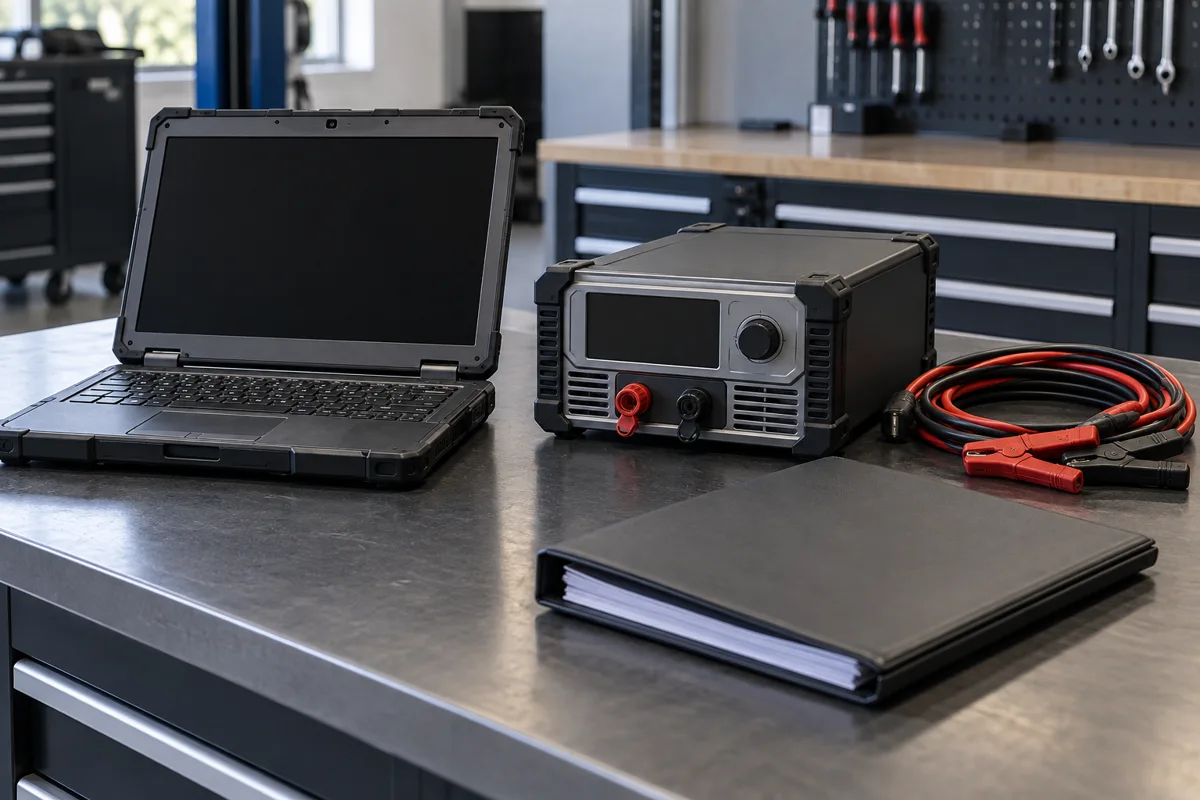
- Use appropriate programming equipment and a suitable stabilized power supply.
BMW workshop terminology includes ISTA diagnostic and service procedures, programming and coding, with the exact tools and process depending on generation and task.
A reset clears or reinitializes specified information; coding configures supported functions; programming writes control-unit software. None of these terms establishes that damaged hardware has been repaired. Ask which operation is proposed rather than accepting “reset and update” as a complete job description.
When physical repair comes first
A damaged connector, leaking cooling system, worn clutch assembly or failed electrical supply needs its own repair. An update may accompany that work if the applicable procedure requires it, but it cannot restore a worn surface or close a leak.
Hypothetical example: intermittent low voltage causes several modules to record faults. Reprogramming those modules without fixing the supply problem may leave the original complaint unresolved. The useful evidence is the measured cause and the behavior after the correct repair.
For transmission complaints, confirmation of an EGS or TCM fault requires distinguishing the controller from wiring, hydraulic and mechanical causes. A software proposal should explain why those alternatives do or do not apply.
Check what the update actually changes
Before approving an update, separate three questions: is the release available for this vehicle, does it address the reported problem, and is the vehicle ready for installation? A newer version number answers none of those questions by itself.
- Availability: confirm the VIN, fitted equipment, market and supported update route. A video showing another car’s menu does not confirm eligibility.
- Purpose: read the release description or ask the workshop which documented correction is relevant. Added convenience features are different from a repair for your complaint.
- Readiness: follow the displayed prerequisites or workshop procedure. Do not bypass a failed prerequisite because the download has already completed.
BMW’s Middle East ConnectedDrive support provides a regional route for questions about vehicle services. For an imported vehicle, confirm the supported market configuration rather than assuming every service advertised elsewhere will work in the UAE.
Do not buy programming solely because a vehicle is older, a friend’s car received an update or an online advert promises smoother operation. Ask how the proposed work answers your specific complaint. If there is no fault and no applicable notification or supported improvement you want, the useful next step may simply be to check official availability.
Separate download from installation
Downloading software and installing it are different stages. A download notification does not necessarily mean that installation can begin immediately. Read the actual message and follow the instructions for the fitted system, including parking, access and vehicle readiness.
Plan installation when you will not need to move the vehicle. Do not start it immediately before a school pickup, appointment or journey. The duration and available functions depend on the vehicle and release, so a single time estimate should not be treated as a promise for every BMW.
| What you see | What to do |
|---|---|
| No update is offered | Confirm eligibility and availability through the supported vehicle or BMW support route. Do not install a file intended for another car. |
| Downloaded but not ready to install | Read the unmet prerequisite or vehicle message. Avoid guessing a reset sequence to force installation. |
| Installation is in progress | Follow the displayed instructions and allow the process to finish. Do not interrupt it with an improvised power-disconnection procedure. |
| An error or new warning appears | Record the exact message and seek the applicable support route. A safety warning still needs its own immediate response. |
Use the supported process for the exact vehicle. Instructions for a phone app, map download or older USB update are not interchangeable with control-unit programming. Do not assume an internet menu sequence applies to every iDrive generation.
Compare three repair decisions
These hypothetical examples show how evidence changes the work you approve. They are not completed customer jobs, price offers or guaranteed outcomes.
- An eligible infotainment correction: the reported problem matches an applicable release and there is no associated unsafe condition. Confirm the official installation route and check the affected function afterward. Do not add unrelated mechanical repairs without findings.
- A measured electrical supply defect: the workshop identifies the faulty connection or supply issue. Agree on that repair first and ask whether programming remains necessary after the electrical condition is corrected.
- A replacement control unit: hardware replacement and the required setup may form one job. The estimate should explain compatibility, programming or coding requirements, final checks and the limit of any promised recovery.
A useful quotation separates diagnosis, physical repair and software work. Ask whether the diagnostic fee is included in the final total and whether additional time requires approval. A vague “full software package” is difficult to compare if it does not say which units or functions are covered.
Check the result against the original problem
Agree on the success criteria before work starts. For a phone connection problem, record the phone model, operating system, connection method and conditions that caused the dropout. For a drivability complaint, the workshop needs the relevant fault and operating data. Those are different verification tasks.
- Keep the original complaint and diagnostic summary with the invoice.
- Ask what was changed and why, including any physical repairs.
- Confirm which original conditions were checked again safely.
- Review any relevant settings that the procedure may have changed.
- Get a clear next step if the complaint remains intermittent or returns.
If the issue persists, do not keep paying for the same operation without a revised explanation. Ask what the first attempt established and which remaining possibilities need testing. A second programming attempt should have a reason, not merely repeat a generic reset.
Agree the scope before approving the work
- The exact complaint, diagnostic findings and proposed operation.
- Which control units or functions are included and why.
- Any repair required before programming and the process for approving extra work.
- The final price with diagnostic charges, VAT and relevant written coverage identified.
- What settings or adaptations may change and how the result will be verified.
After the work, review the original complaint, scan results and relevant functions. A cleared warning or a different version number alone does not demonstrate that the underlying problem is solved. Keep the repair record and software details supplied by the workshop.
Choose an update because it has a supported purpose for your BMW. Choose a physical repair when testing finds a physical fault. Some jobs need both, with the order determined by the applicable procedure.
BMW software update questions
Can an official owner update replace a workshop visit?
It can be appropriate for the functions and corrections covered by that release. It does not replace investigation of overheating, impaired braking, charging faults or another unsafe condition.
Does a new battery always mean the car needs a software update?
No. Battery replacement can require vehicle-specific registration or setup, which is different from a blanket software update. Follow the correct procedure for the fitted battery and vehicle.
Will programming repair a faulty module?
It may address a documented software issue or be required during module replacement. It cannot guarantee recovery of an internally damaged module.
Does a downloaded update mean the car is ready to install it?
No. Download and installation are separate stages. Follow the vehicle’s readiness checks and displayed instructions rather than forcing the process.
Should I install a release intended for another BMW model?
No. Use the supported update route for the exact vehicle, equipment and market. A similar display or model badge does not prove compatibility.
Need help with your BMW?
Tell the garage what you have noticed, what you want checked and which BMW you drive. The team can explain the sensible next step before you book.